AI Customer Support Tools for Law Firms: Which One Actually Fits Your Practice
AI CUSTOMER SUPPORT TOOLS FOR LAW FIRMS: WHICH ONE FITS YOUR PRACTICE SLICE
Your law firm is bleeding time and money on client intake calls that could be automated, losing prospects to slow response times, and juggling multiple disconnected software systems that don't talk to each other. This report identifies exactly where that money is leaking and which AI customer support tools actually work for law firms—and which ones will cost you more than they save.
Where Your Money's Actually Leaking
Small law practices spend 43% of client contact time on repetitive, non-billable phone calls. That's not client work. That's intake screening, scheduling questions, document requests, and status updates—the same conversations happening dozens of times a week. If you're a solo or two-attorney firm, that's real money walking out the door. A firm billing at $200 per hour that spends 10 hours a week on intake calls is leaving $104,000 on the table annually. Your clients are also calling after hours with simple questions nobody's there to answer, creating anxiety and opening the door for them to call competing firms instead.
Your prospects are slower to respond to. When someone fills out your intake form on a Friday evening or Sunday morning, they're waiting for a response. If your first human reply comes Monday afternoon, you've lost competitive ground. Slow inquiry response times cost you deals, especially in residential real estate and family law where clients shop multiple firms.
Then there's the system fragmentation. Most law firms run 8 to 12 disconnected pieces of software—practice management, intake forms, email, phone systems, document automation, billing. When you add an AI customer support tool on top, it doesn't automatically integrate. You're paying integration costs that scale with every system you own. Firms running this many disconnected tools should expect 6 to 10 weeks and $30,000 or more just to wire everything together, regardless of which tool you choose.
The Tools That Actually Fit Law Firms
The four main platforms in this space are Clio Grow, Clio, HubSpot Service, and Relativity. But they're not all built for the same type of law firm. Your practice area and revenue size determine which one actually makes financial sense.
If you run residential real estate, family law, or estate planning, your clients ask standardized questions. You can deploy a low-cost generalist platform like Clio Grow or HubSpot Service for $3,000 to $8,000 in setup costs and see payback in 4 to 8 weeks. These tools handle intake screening, scheduling, document requests, and basic status updates without breaking the bank. If you're already using Clio for practice management, Clio Grow integrates directly with zero separate integration project required—that's a real advantage.
If you run commercial litigation, IP law, or corporate transactional work, the game changes. Your clients are asking higher-stakes questions. You need tools with privilege detection and escalation logic that know when to hand off to an attorney and when to refuse to answer. Clio and Relativity fit this category, but they cost $20,000 to $75,000 to set up and take 4 to 6 months to see payback. That's a real investment. If your firm is under $1 million in revenue and doing non-standardized work, you're better off deploying AI internally for research and drafting instead—tools your attorneys control directly rather than client-facing automation.
The compliance and risk picture for each tool are in the full report, along with the implementation sequence and the specific conditional logic for your situation.
- Every tool named and evaluated — Clio Grow, Clio, HubSpot Service, Relativity
- Which tools fit law firms specifically and which quietly fail
- The compliance traps and implementation risks specific to your slice
- A sequenced recommendation — what to buy first, what to wait on, what to avoid
- Confidence ratings on every finding so you know what's solid
Delivered as a PDF immediately after purchase. No subscription. No upsell.
Causal Relationship Graph
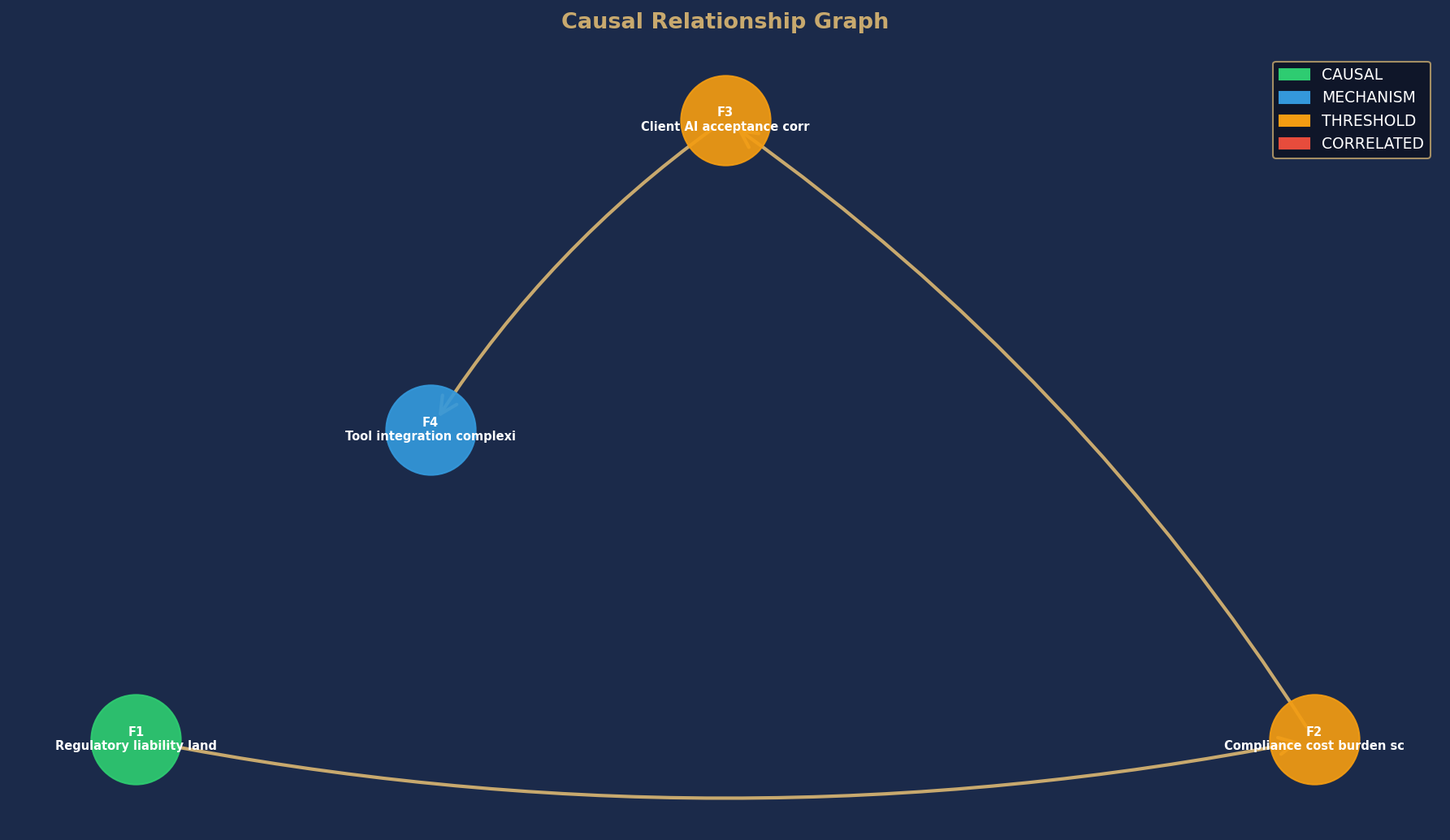
Node colors indicate causal confidence rating. Arrows show directional causal relationships identified in this analysis.
- Every AI tool named and evaluated — not placeholders, actual product names
- Which tools fit Law Firms specifically and which ones quietly fail
- The compliance traps and implementation risks specific to your practice area
- Conditional recommendations — which tool fits your specific operation and why
- Confidence ratings on every finding so you know what's solid and what needs validation
Delivered as a PDF immediately after purchase. No subscription. No upsell.
Full report PDF emailed to you immediately after purchase.